
📈 See how each skill performs over time, and whether your changes worked
1793013636346
Improvement
AI Agent
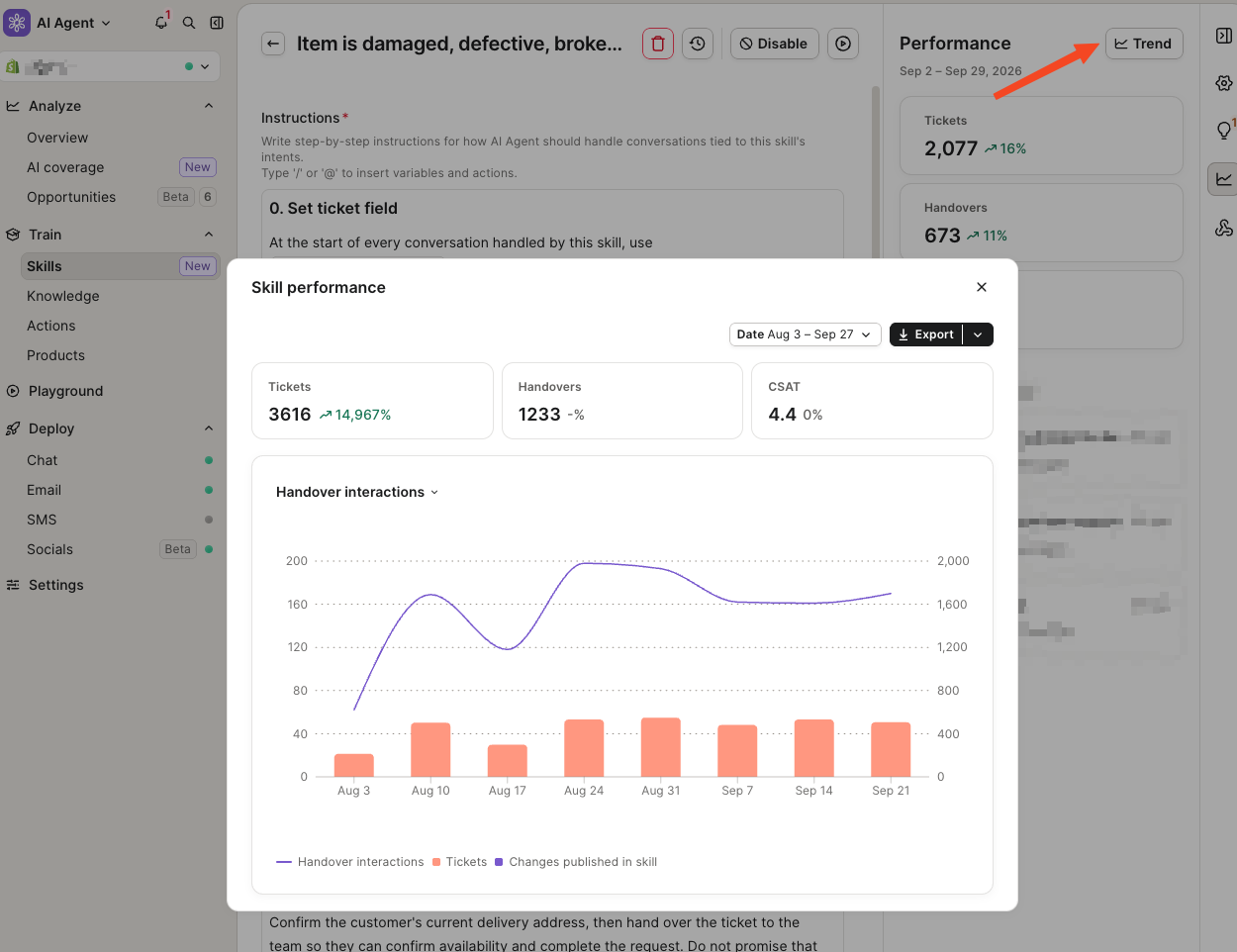
You can now open any skill to see how its handovers and CSAT have changed over time. Markers on the chart show each time you published a new version.
Why it matters
Until now, you could see a skill's current numbers but not whether last week's edit helped or hurt. Now you can match each change to what happened afterward and catch drops early, before they add up.
How to access
Go to AI Agent > Skills, open a skill > Performance tab, and click on Trend to open the chart. It shows the last 28 days by default, and you can pick a custom range. Hover over a marker to see when that version was published.

Published by Felipe Mora