
Opt in to beta features yourself with Gorgias Labs
1791469667949
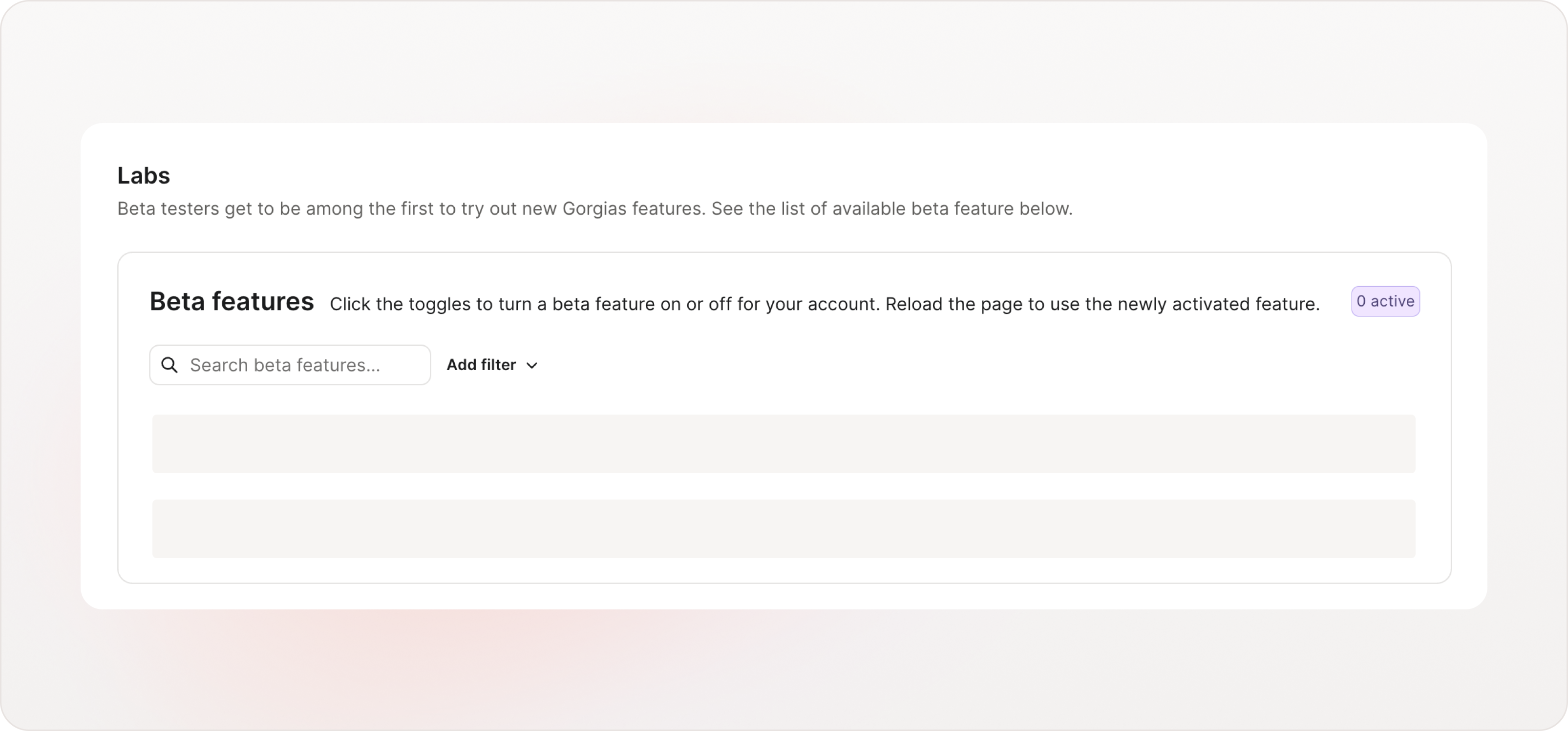
You can now turn on beta features yourself, the moment you want to try them. Labs is a new page in your settings that lists every beta available to your account, each with its own toggle. There's no signup form to fill out, and no waiting for someone at Gorgias to add you.
Why it matters
Early access on your terms. Joining a beta used to mean asking for access and waiting to be added. Now you flip a toggle and the feature is on.
Every beta in one place. See what's available to your account, search by name, and filter by category or status.
Leave whenever you like. If a beta doesn't suit your workflow, turn it off and you're back to the current experience.
How to access
Go to Settings and open Labs in the Account section, right below Billing and usage.
Find a beta in the Beta Features table and switch its toggle to Active.
Reload the page to see the feature in your account.
You can also turn on Core product improvements to get performance and reliability upgrades before they reach every account. If you don't see this card, there are no behind-the-scenes betas to join right now.
Good to know
Only admins can open Labs.
Turning on a beta applies to your whole account, so give your team a heads up first.
Labs is available on all Helpdesk plans. Some betas also require an AI Agent subscription.
