
Metrics Glossary is now live in Analytics
1784546845624
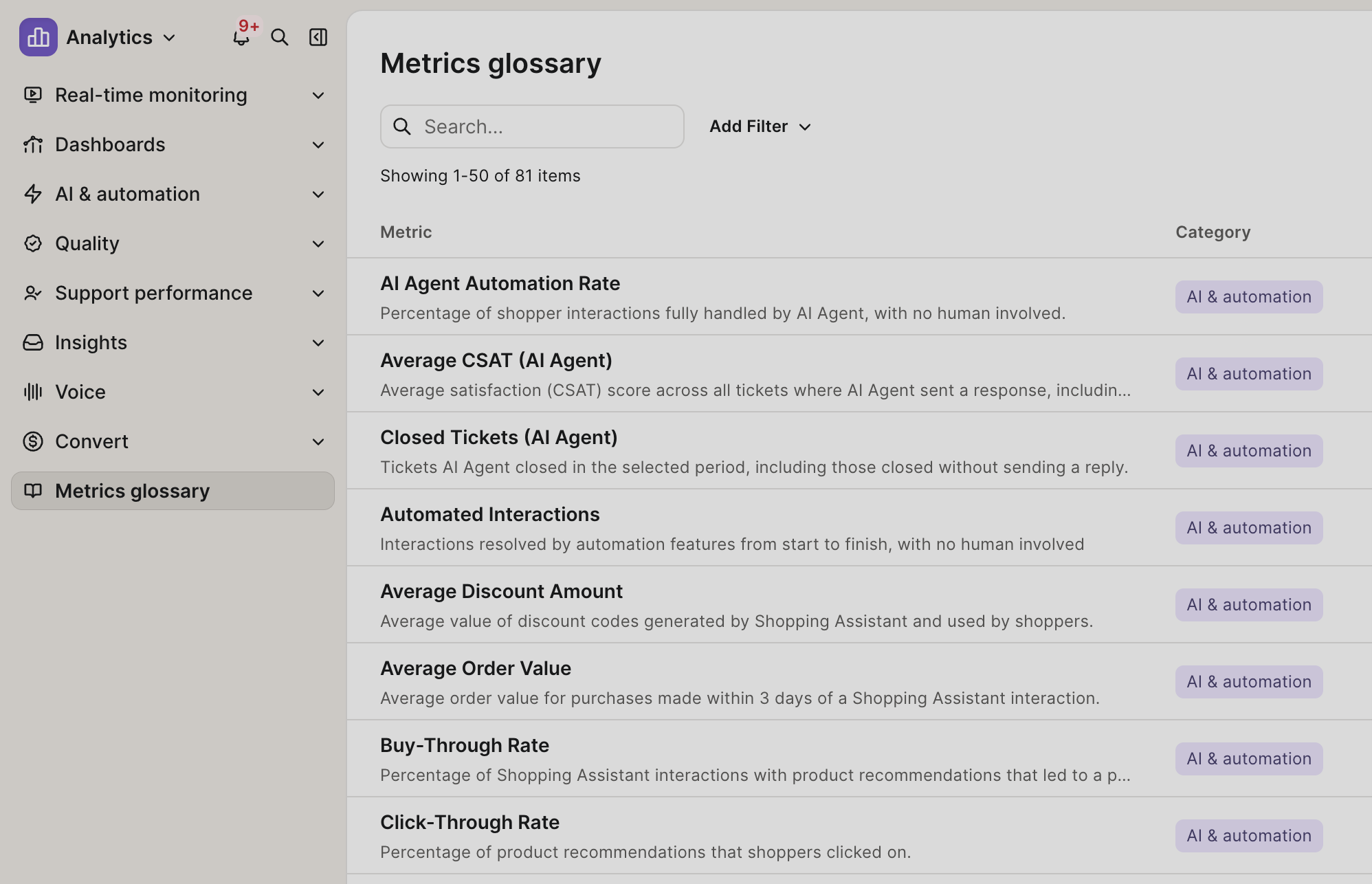
The Metrics Glossary now brings you full transparency to every metric in your Analytics suite: definition, formula, and computation methodology. Directly on the page you’re on.
Previously, hovering over a metric gave you a short definition. If you wanted to understand how it was calculated, you had to dig through Help Center articles or ask your CSM. Now, every metric has a complete explanation you can access without leaving the page.
Tap the ℹ️ icon next to any metric in a report to open a side panel with the full details. You can also browse every metric from the dedicated Metrics Glossary page in Analytics.
Current coverage: The Metrics Glossary currently covers all AI Agent and Automation metrics. Coverage for all other reporting metrics is coming soon.
Why It Matters:
No more guesswork — understand exactly how a metric is defined, what goes into its formula, and the rational behind it's computation, without reaching out to your CSM.
In-context access — the full details are one click away from any report, so you never have to leave your workflow.
Submit feedback — have a remark about a definition or formula? Submit it directly from the side panel feedback form.
Where to find it: Analytics > any AI & Automation report > ℹ️ icon next to a metric > “View metric details”, or Analytics > Metrics Glossary
Did you like this update?


Leave your name and email so that we can reply to you (both fields are optional):
