
👀 See every AI ignore rule on your AI Coverage page
1795006735710
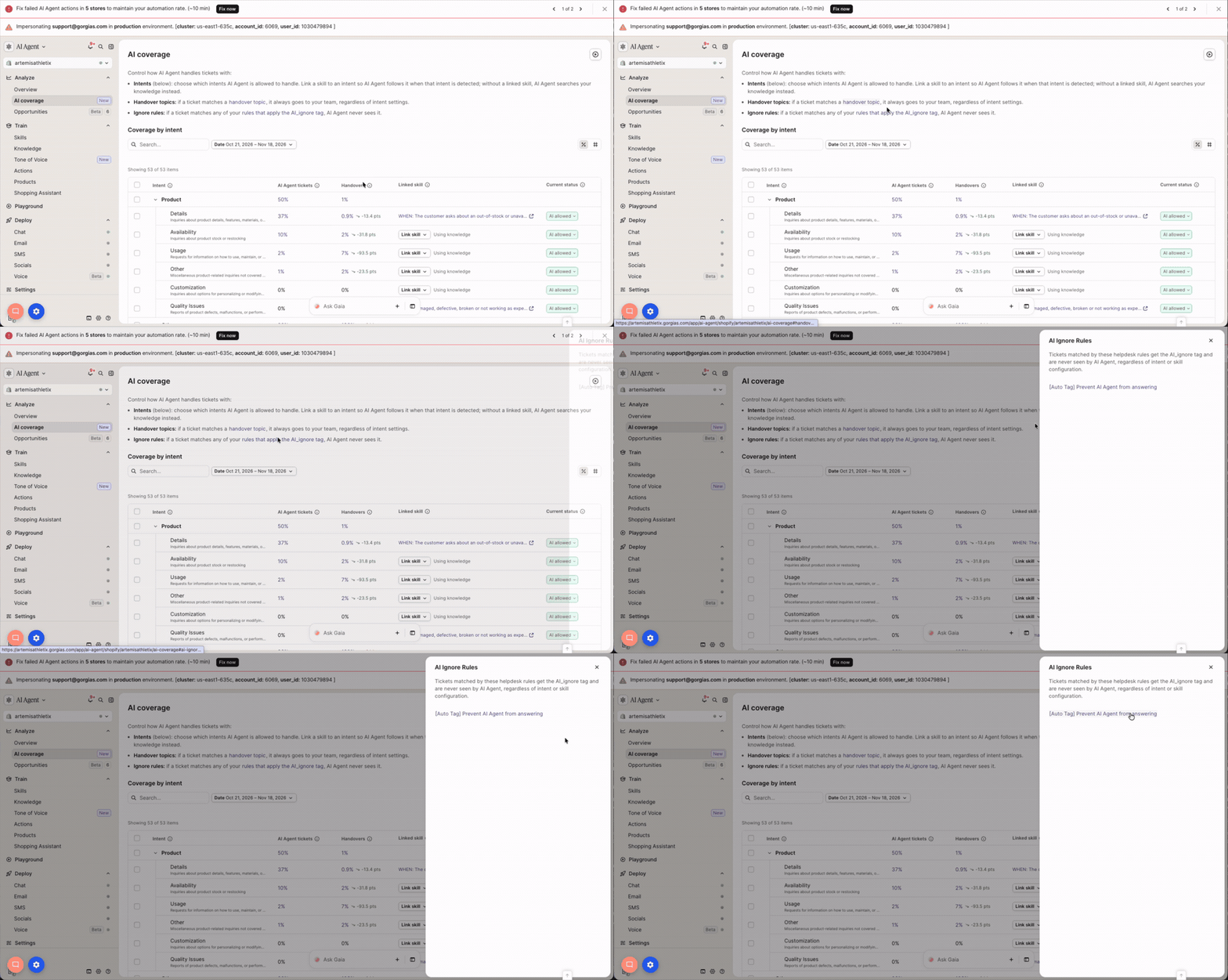
You can now see your AI ignore rules on the AI Coverage page. These are rules that add the ai_ignore tag to tickets. If you have any active ones, they appear in their own section, and you can click a rule to open its settings.
Why it matters
AI ignore rules stop AI Agent from ever seeing a ticket. Many were set up long ago and are easy to forget. Now everything that shapes what AI Agent handles sits on one page: intents, handover topics, and ignore rules.
Also new
Change any intent between “AI allowed” and “Handover” from AI Coverage, even if it’s linked to a skill.
How to access
Go to AI Agent > AI Coverage. You still edit ignore rules in Rules.
Did you like this update?


Leave your name and email so that we can reply to you (both fields are optional):
